



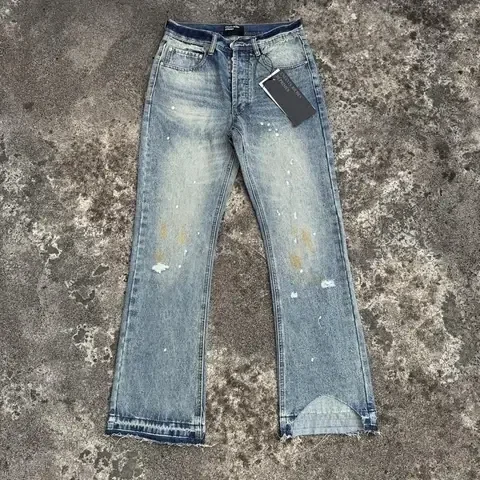
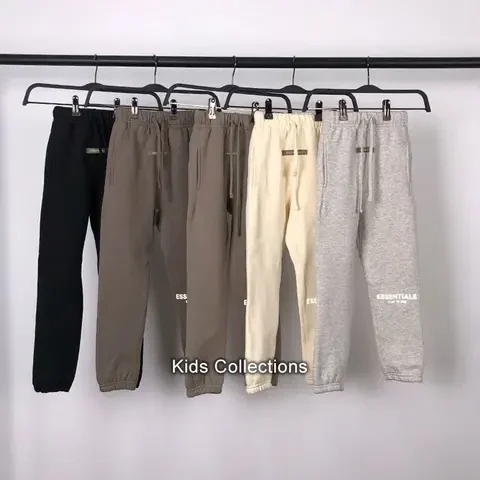
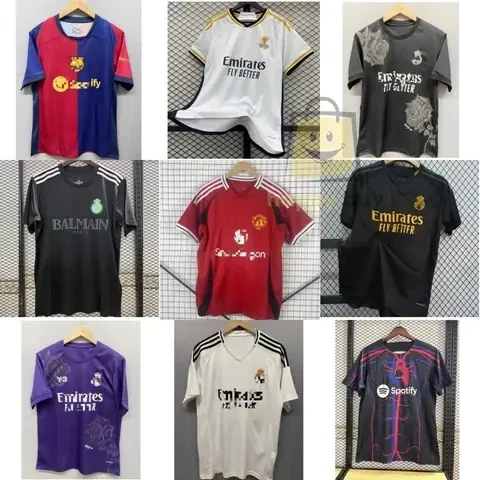


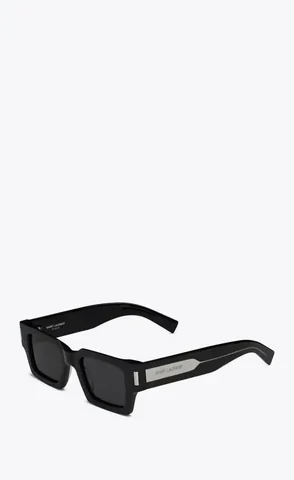

Where warehouse photos fit
OrientDig buys from the seller and receives the item at its warehouse. Use the arrival photos to check the visible details and included parts before you submit your parcel.
From listing details to warehouse checks
Browse the OrientDig Spreadsheet, read the seller’s delivery and return badges, and check what arrived before you send the parcel.
Choose a shelf to see available finds. Open the seller listing to verify the variant and its badges.
Choose a seller and variant with enough information to check the item when it arrives.
We’re an official OrientDig partner. Our illustrated guide shows how to send a listing to the agent and review the item at arrival.
About our partnershipCompare wholesale-priced products with QC photos. Open the listing to check the badge, the variant and what’s included.
Explore product categoriesBrowse listings from trusted sellers and review their dispatch, return and custom-order terms for the exact product.
Learn to read seller listingsPreview how clothing and accessories look together on a model, then confirm your measurements against the size chart.
Open AI Try-OnSee how other buyers describe the fit, finish and included pieces. Use what they noticed to decide what to look for in your QC photos.
Explore buyer communitiesCheck seasonal campaigns and deals while comparing listings. Recheck the chosen variant, expiry date and eligibility before ordering.
Check promotions and updatesCompare the photos, seller badges and size or model options.
Paste the link in OrientDig and review the product details and price.
Compare the item to your order. Request another angle if the standard photos leave a question.
Choose the items to ship, review the shipping line and pay the parcel charge.
OrientDig buys from the seller and receives the item at its warehouse. Use the arrival photos to check the visible details and included parts before you submit your parcel.
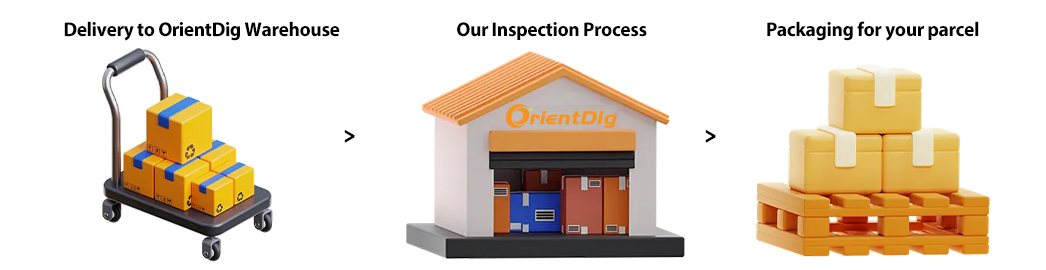
The seller’s delivery line covers the trip to the warehouse. Review the international route and parcel estimate separately. Weight, dimensions and packaging can affect the final amount.
Compare the front and detail views with the option you ordered. If a label or included part is unclear, check the original photos and request a detail shot when needed.
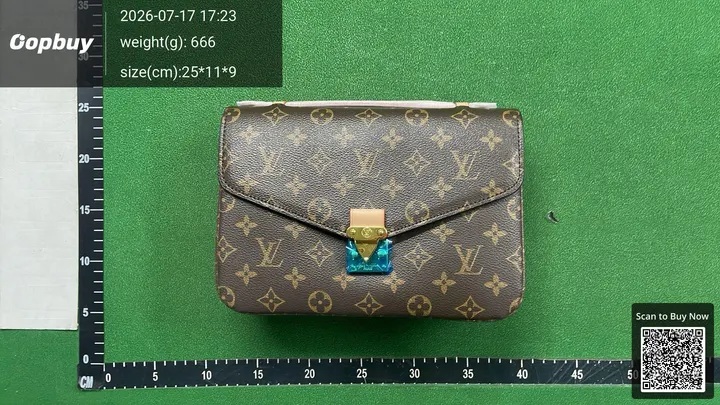
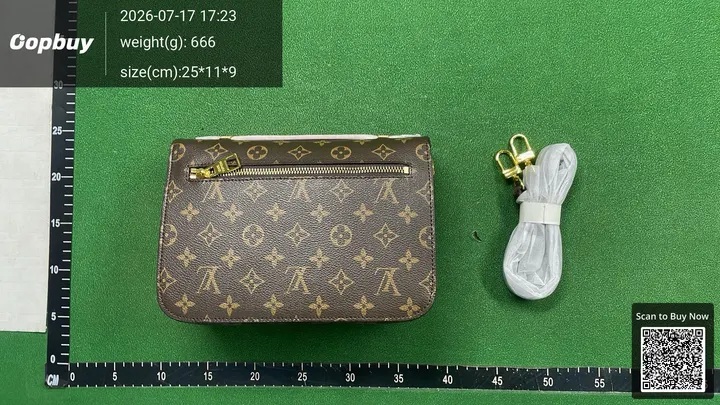
Sample QC photos from a product listing. Your OrientDig warehouse photos are attached to your own order.
Read the arrival-photo checklistCheck free domestic shipping, dispatch windows and return badges before paying. The Badge strip maps each label to the point in your order where it matters.

Each sticker is a phrase sellers print on Taobao, Weidian and 1688 product pages. The line under it is what that phrase becomes once OrientDig buys the item for you, taken from OrientDig's own help pages as read on November 10, 2026. Tap one to read the whole rule.
An OrientDig order passes the same five points whatever you buy: you pay, the seller ships to the warehouse in Shenzhen, the item is logged as Stored in warehouse, you submit a parcel, and the parcel is delivered. The status names you will see in your account are more detailed (Order Processing, Purchased, Shipped (Local), Stock arrived, International delivery fee pending and others), but every one of them sits somewhere on that five-stop line.
A seller badge only speaks for the part of the line the seller controls. 包邮 pays the courier between the seller and the warehouse. 48小时发货 is about the first handover to that courier. 7天无理由 is the one that travels furthest, and even it is rewritten on arrival: OrientDig counts it as 120 hours from the moment your item is stored, not seven days from when a parcel reaches you.
The badge strip draws this for the badges you tick. Solid stretches are where a badge still holds, a marker shows where it stops, and a dashed stretch means OrientDig's pages say nothing about it at all.

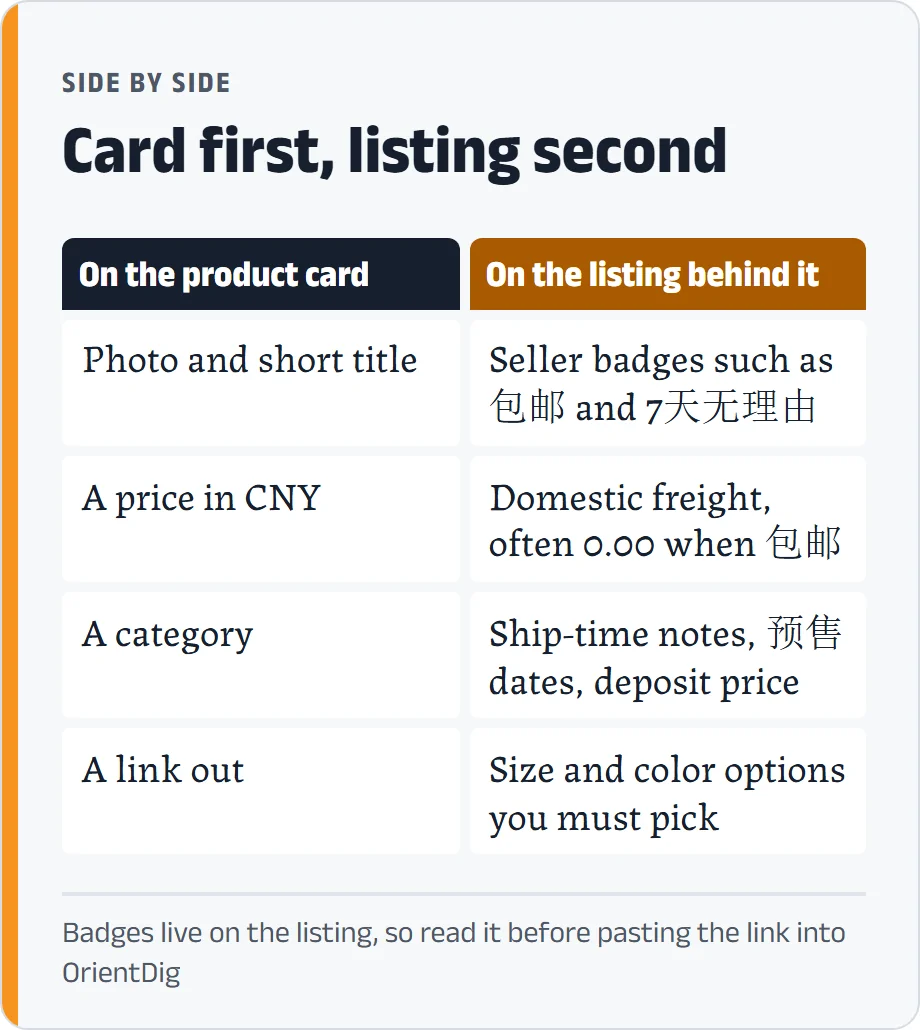
The OrientDig Spreadsheet here is a product catalogue of finds from Chinese marketplaces, sorted into shelves you can browse by category, each card jumping to its seller's page. It is not an OrientDig service and it does not take orders. You use it to find a product and its link; the order itself is placed on orientdig.com, where you paste that link.
That handoff is where the badges come in. The card shows a photo and a price. The listing behind it shows the seller's badges: a red 包邮 tag, a 7天无理由 shield, a promise to ship within 48 hours, sometimes a 预售 notice with a deposit price. Those badges were written for shoppers inside China who receive the parcel straight from the seller. When OrientDig buys for you, the seller's parcel goes to a warehouse instead, and each badge has to be read again.
So every product shelf on this guide comes with one practical note about the badge to check first, and the full Spreadsheet page explains how the cards are picked and kept current.
OrientDig is a shopping agent. Copy the listing link (Taobao, Tmall, 1688 and Weidian all work) into its search field, pay the item price and the seller's delivery fee, and an OrientDig purchaser orders it for you. From there it goes to OrientDig's Shenzhen warehouse, gets an appearance check and standard photos, and waits there until you combine it with other items into a parcel and pay for international shipping. Listings from Xianyu, Pinduoduo or Yupoo cannot be pasted; OrientDig's tutorial sends those through a manual DIY Order form.
The company named on OrientDig's Contact Us page is AMBERLEIGH TECHLIMITED (the operator writes it without a space; checked November 10, 2026). OrientDig's fee page says there is no handling fee for orders from the common platforms; extra services such as detailed photos are paid separately.
For badge readers, the useful part is that OrientDig publishes its own rules for each stretch the seller's badge no longer covers. The Using OrientDig page walks through a first order and says plainly when a different agent might suit you better.
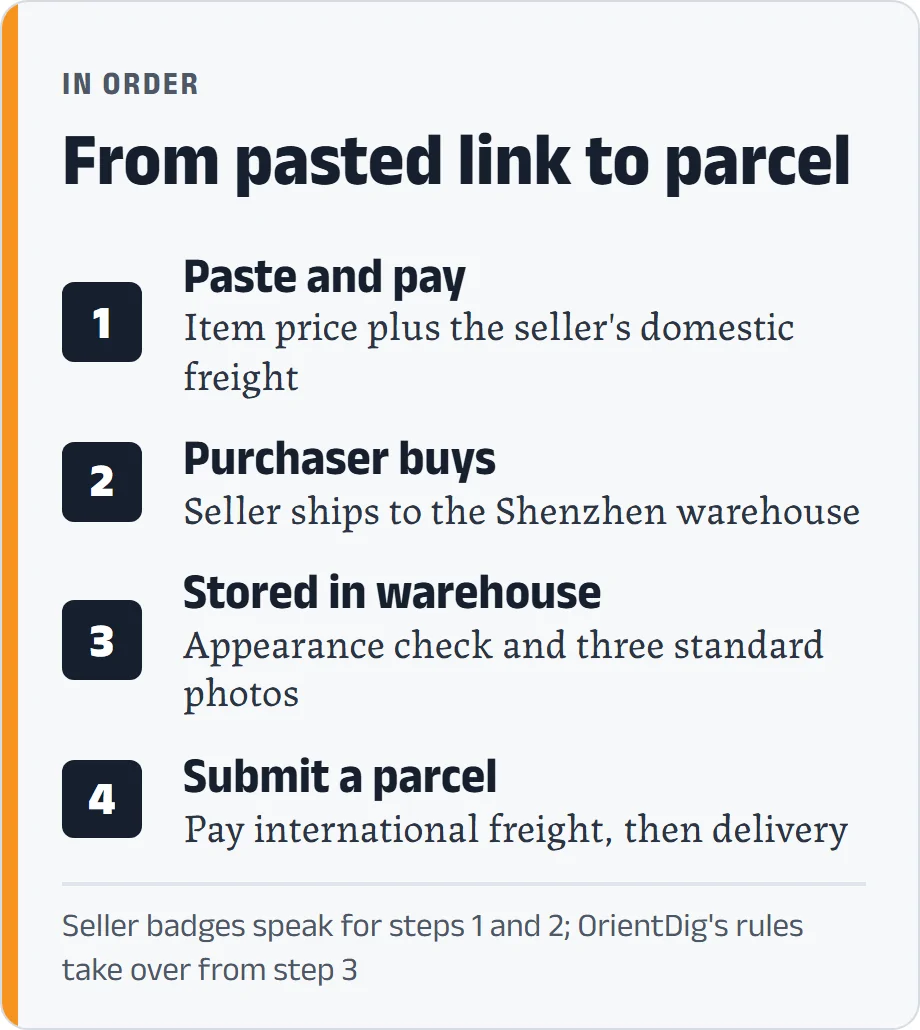
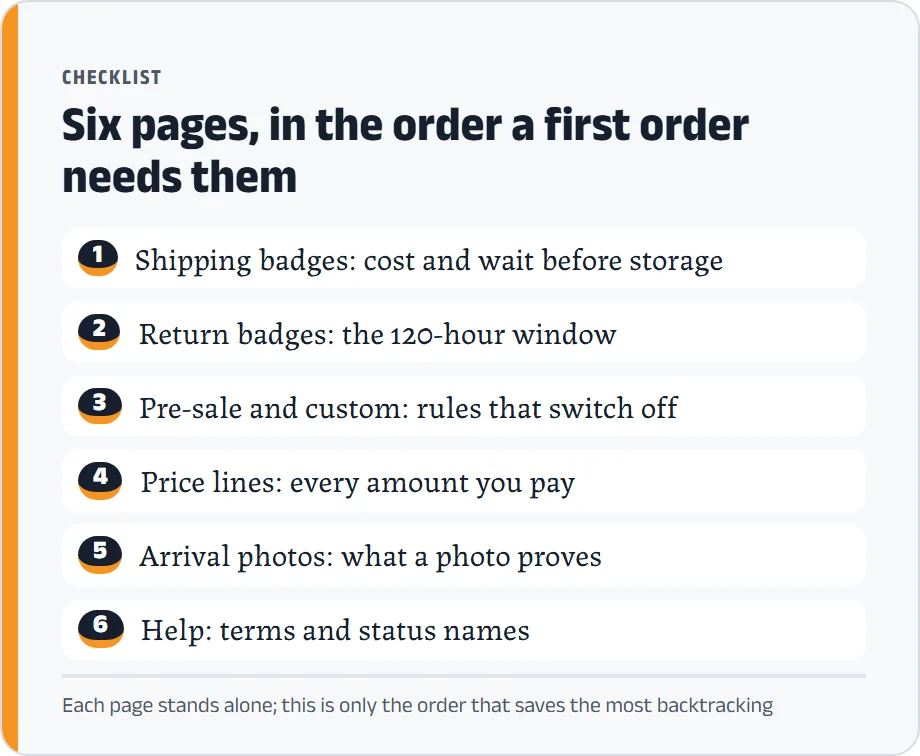
If you are holding one listing and wondering whether to order it, read in this order. Start with the shipping badges: they decide what you pay before the item reaches the warehouse and how long the wait is likely to be. Then the return badges, because the 120-hour window opens the moment your item is stored and does not wait for you to look at the photos. If the listing says 预售, 定金, 定制 or 二手, the pre-sale and custom page covers the exceptions that switch other rules off.
After that, price lines shows each amount you will be asked for and the display rate OrientDig used on the day this guide was checked, and arrival photos explains what the standard photos can and cannot confirm about a badge. The help page collects the terms (QC, GL, RL and the status names) and a short FAQ.