
Spreadsheet
OrientDig Spreadsheet catalogue: product shelves and the badges behind them
Browse by category, open the listing behind a card, and check its seller badges before the link goes into OrientDig.
Shelves to browse, with one badge note each
Fifteen shelves open a product category; the womenswear card runs a search for "women" instead, since the catalogue sorts clothing by garment type and has no single womenswear section. Each card says which seller badge most often changes the outcome on that shelf.
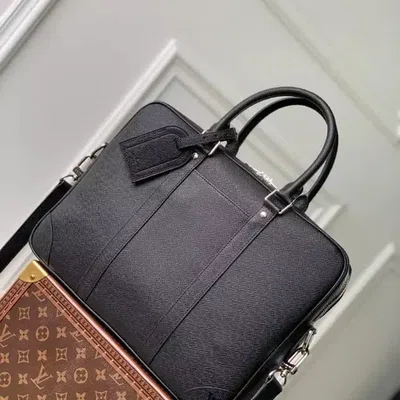 Bags and totesA 包邮 bag still has an international leg to pay; the badge stops at the Shenzhen warehouse.Category
 WomenswearOrdered the wrong size? A 7-day badge turns into a request the seller can refuse.Search results
 JewelryEngraved or name pieces are 定制: agree the details first, because no-reason returns are off.Category
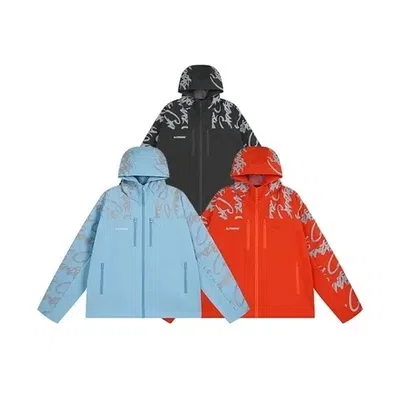 Jackets and coatsNew-season coats often carry 预售; the seller sets the ship date, not the usual 3 to 7 days.Category
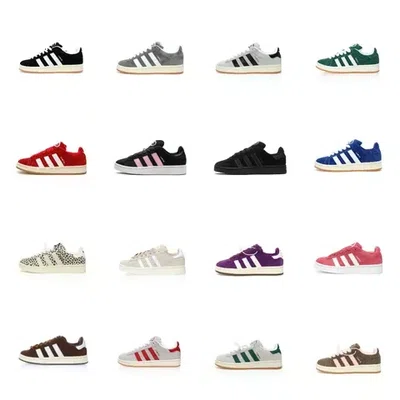 Sneakers48小时发货 on a pair covers the seller handing it to a courier, nothing after that.Category
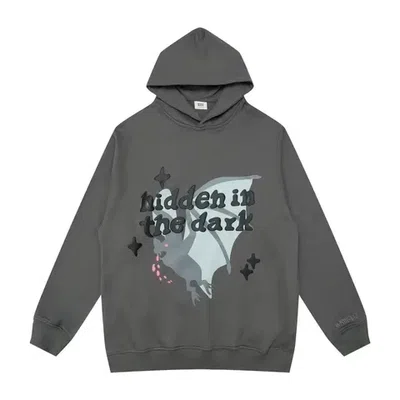 HoodiesHeavy fleece shows up in the parcel weight, which no seller badge pays for.Category
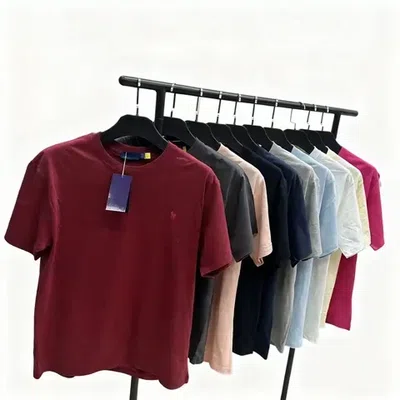 T-shirtsCheap tees often say 包邮. Return one and you pay that first courier trip back.Category
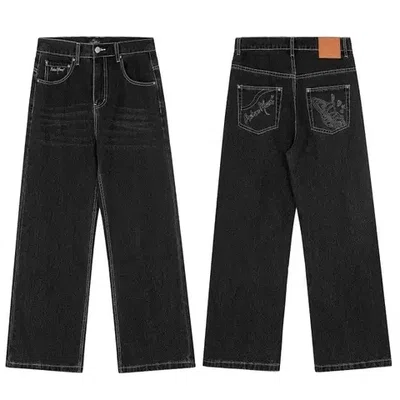 Jeans现货 on the listing is a display; the seller's reply to OrientDig's purchaser is the real stock.Category
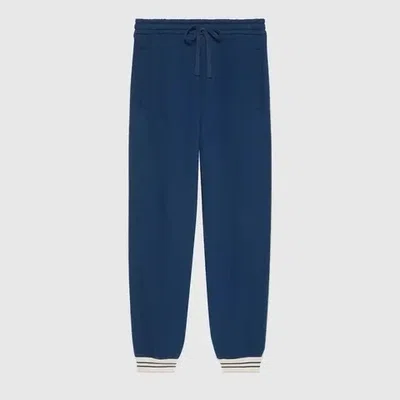 Sweatpants and joggersA 7-day badge here becomes 120 hours from "Stored in warehouse".Category
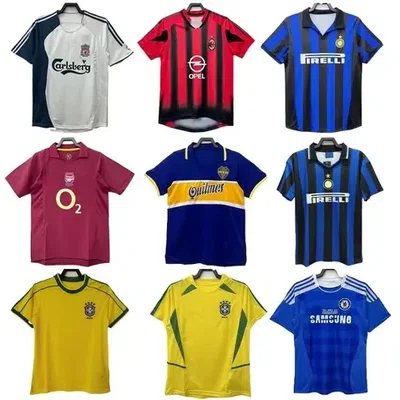 Football jerseysName and number printing makes the shirt a customized order; settle it in the seller chat.Category
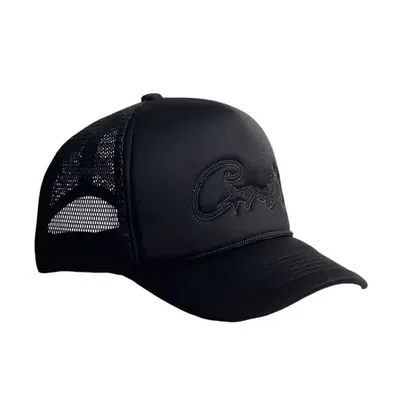 Caps and hatsLight enough that the badge question matters more than the weight question.Category
 BeltsAsk about length before paying: a no-reason return costs two courier trips plus 0.75 USD.Category
 Glasses and sunglassesPrescription lenses are made to order, and the warehouse cannot test them.Category
 FragranceLarge volumes of liquid can be restricted on international lines; check before you pay.Category
 WatchesSmartwatches get an appearance check only; nobody at the warehouse switches them on.Category
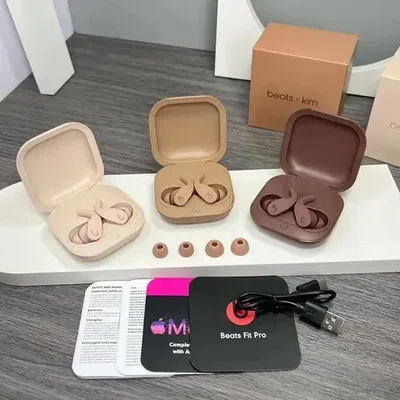 Gadgets and electronicsJD self-run listings ship the day they are bought; batteries may be taken out before the parcel leaves.Category
Product cards hold the photo; listings hold the promises
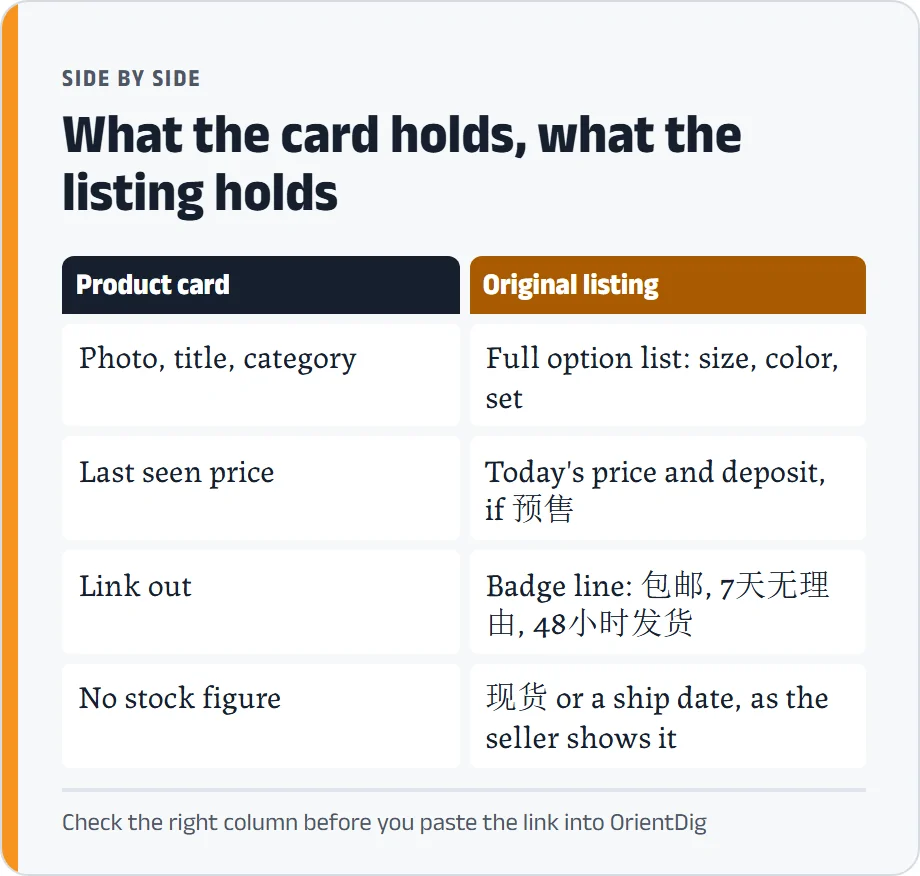
Each card in the OrientDig Spreadsheet stands for a product somebody already found on a Chinese marketplace, shown as a photo, a short English title, a CNY price and a link back to the seller's page. The shelves are there so you can browse by category and skip guessing Chinese search terms. Treat each card as a lead rather than a price promise: prices move, listings vanish, and a card knows nothing about whether your size is left.
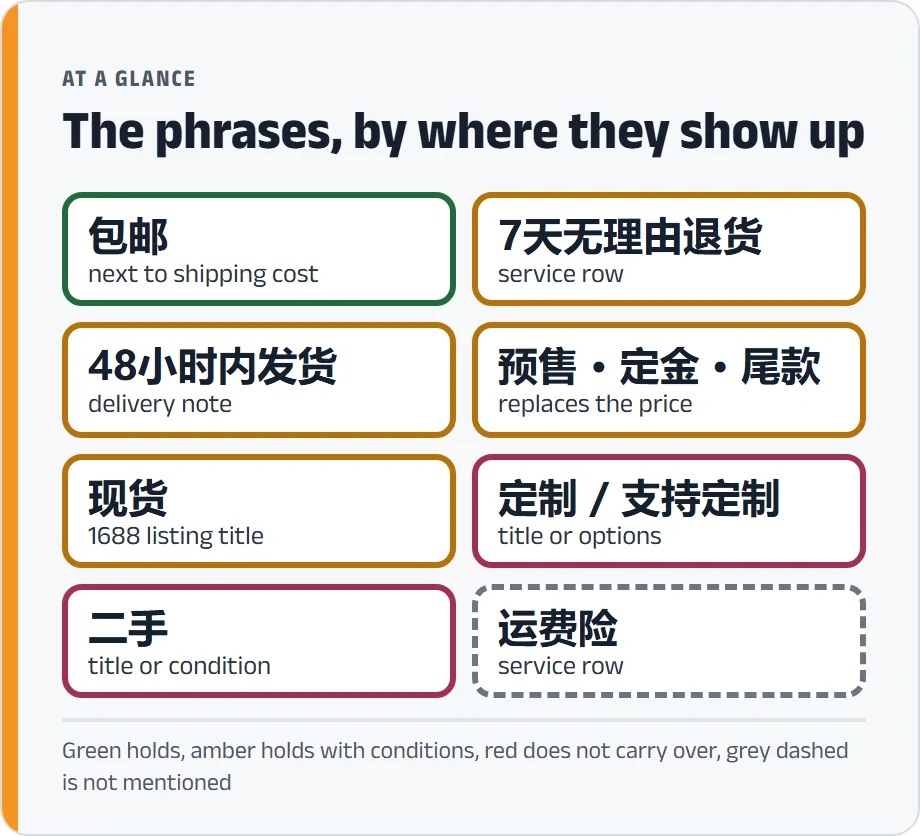
What the card never shows is the badge line. On the listing itself, next to the price and the delivery estimate, sellers print short service tags: 包邮 (free domestic shipping), 7天无理由退货 (seven-day no-reason returns), 48小时内发货 (ships within 48 hours), and on some items 预售 with a 定金 (deposit) price. Those tags were written for buyers inside China. Read them on the listing, then read what each one becomes once OrientDig is the buyer.
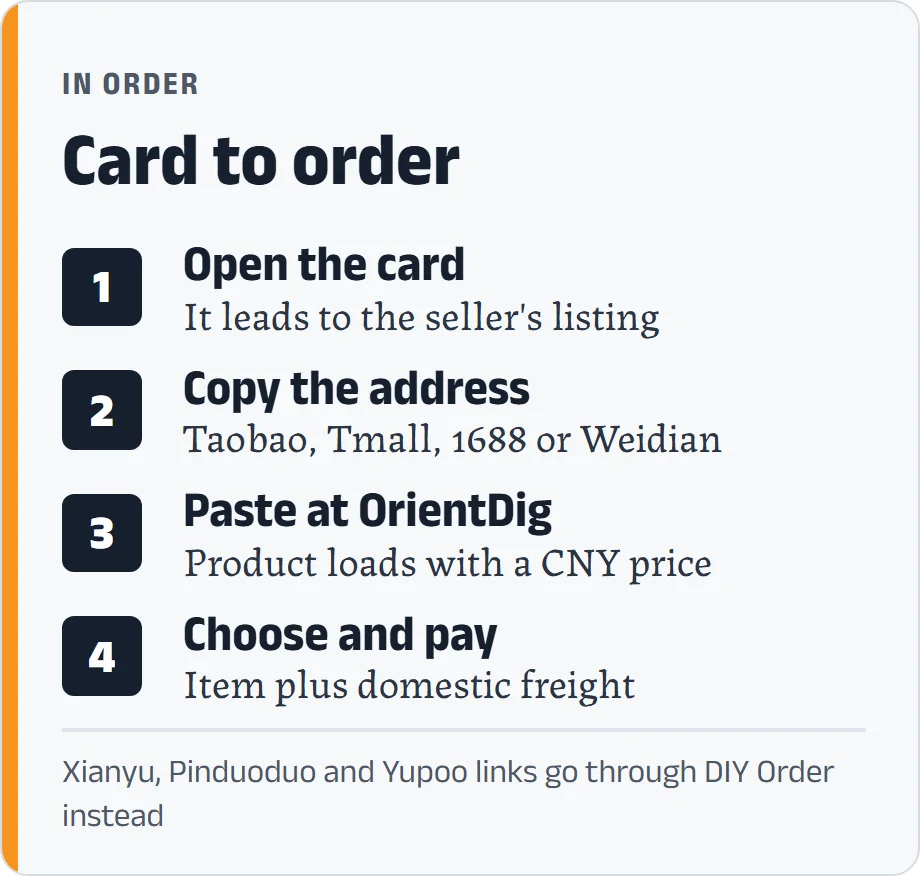
Four moves: shelf card, listing, OrientDig, payment
Open a card, then copy the web address of the seller page behind it. On orientdig.com, drop that address into the home-page search field; for Taobao, Tmall, 1688 and Weidian links OrientDig loads the product page inside its own site, with the price shown in CNY and an approximate amount in your currency. Pick the size, color and quantity there, add a note for the purchaser if you need one, and pay.
Paying for it settles the item and the seller's own delivery charge to the warehouse. OrientDig's tutorial product page shows the two legs separately: a line for From Seller to OrientDig with a domestic freight figure, and a line for From OrientDig to you that is paid later, per parcel. A 包邮 listing shows 0.00 in that first freight box. Nothing on the card changes this; it is the listing and its badges that set the first bill. The badge strip is the quickest way to see the rest.
Spotting badge phrases on a Taobao page, a Weidian store or 1688
On most Taobao and Tmall listings the badge line is a strip of small grey or red tags just under the price or beside the delivery estimate. 包邮 often appears next to the shipping cost itself. The return tag reads 7天无理由退货 or a shorter 7天无理由, and the dispatch promise is a phrase like 48小时内发货 or 24小时内发货. A 预售 item replaces the normal price with two figures, a 定金 to pay now and a 尾款 balance to pay later, plus a date range when shipping starts.
Weidian stores are smaller and less uniform; the same promises are often written into the product description instead of shown as tags, so scroll. On 1688 the useful phrases are 现货 (ready stock) against 定制 or 支持定制 (custom work), and minimum order quantities. Whatever the platform, copy the exact Chinese words you see into your notes. They are what you will match against OrientDig's rules on the next pages.
Shelf upkeep: links, photos and notes
The shelves link to live category pages rather than to single products, which means a product selling out never strands a card here. On November 10, 2026 each shelf link was opened by hand and loaded properly, and the same check runs before each update listed on the updates page. The pictures on the cards are taken from products inside each category on that date, cropped square; they show the kind of item on the shelf, not a specific listing you can still buy.
The spreadsheets and agents page lists the checks this guide expects a product catalog to pass. Reopen the seller listing to verify its current terms.